


Whisper
Speed and more space
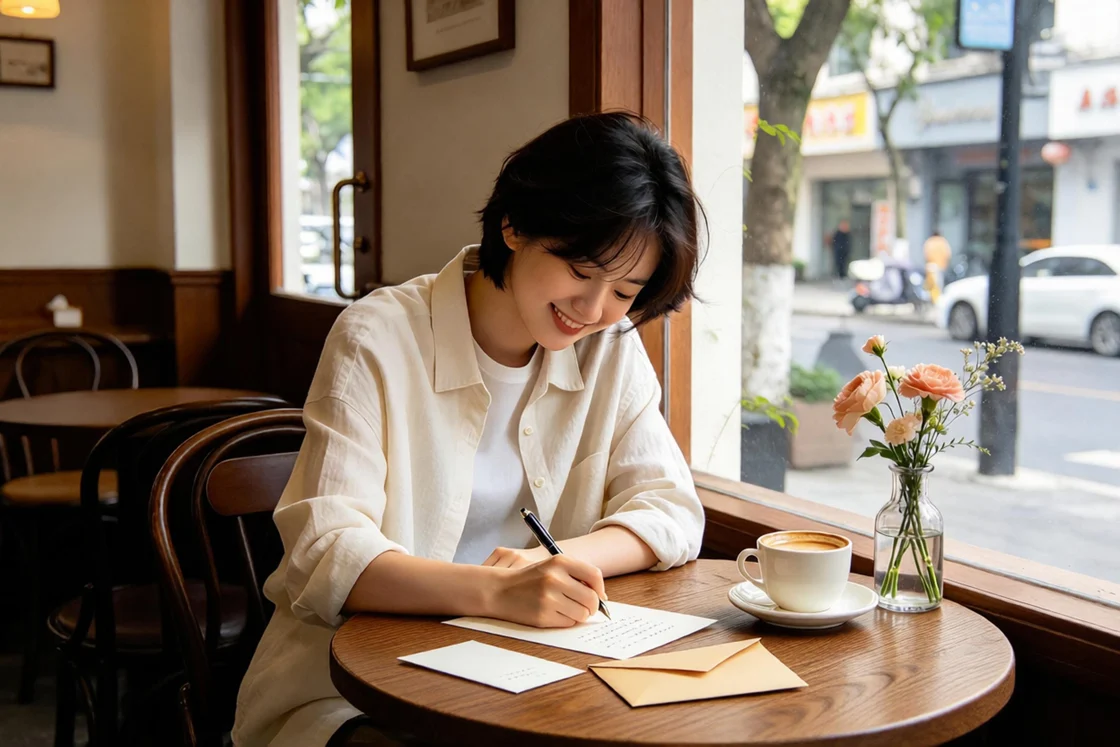
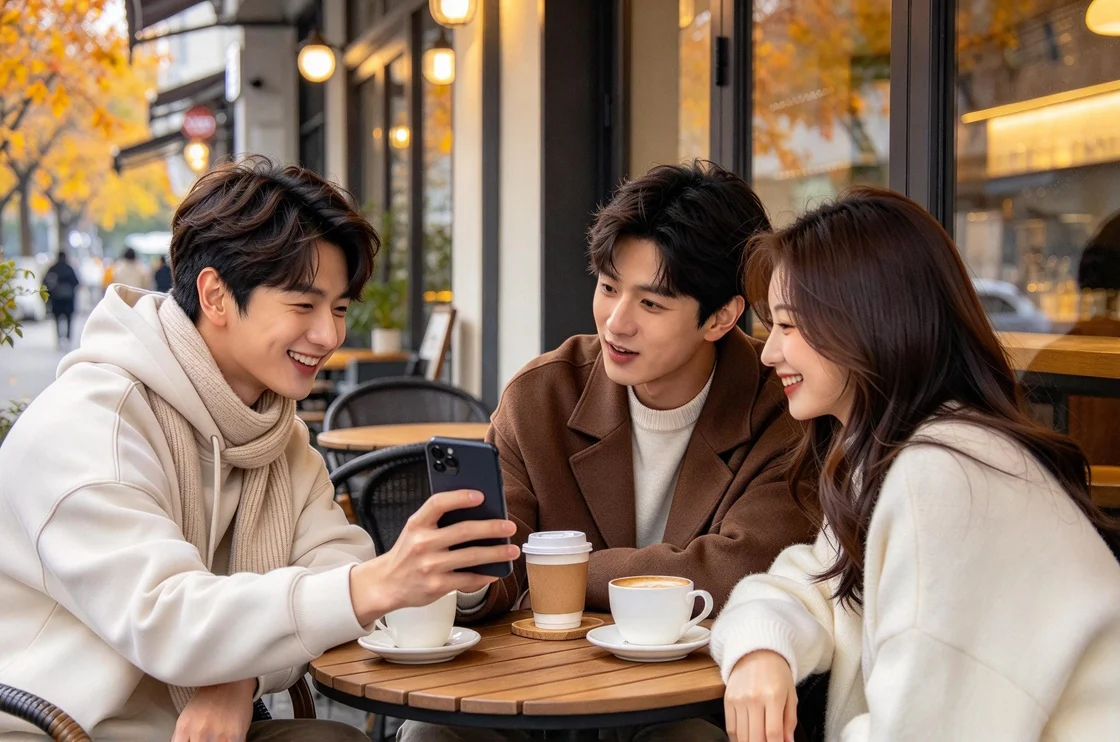
A PRIVATE LITTLE WORLD.
An ordinary picture.
An extraordinary thing inside.
Hide a message, a memory or a moment.
Let the right person find it.
01 / CREATE A SECRET
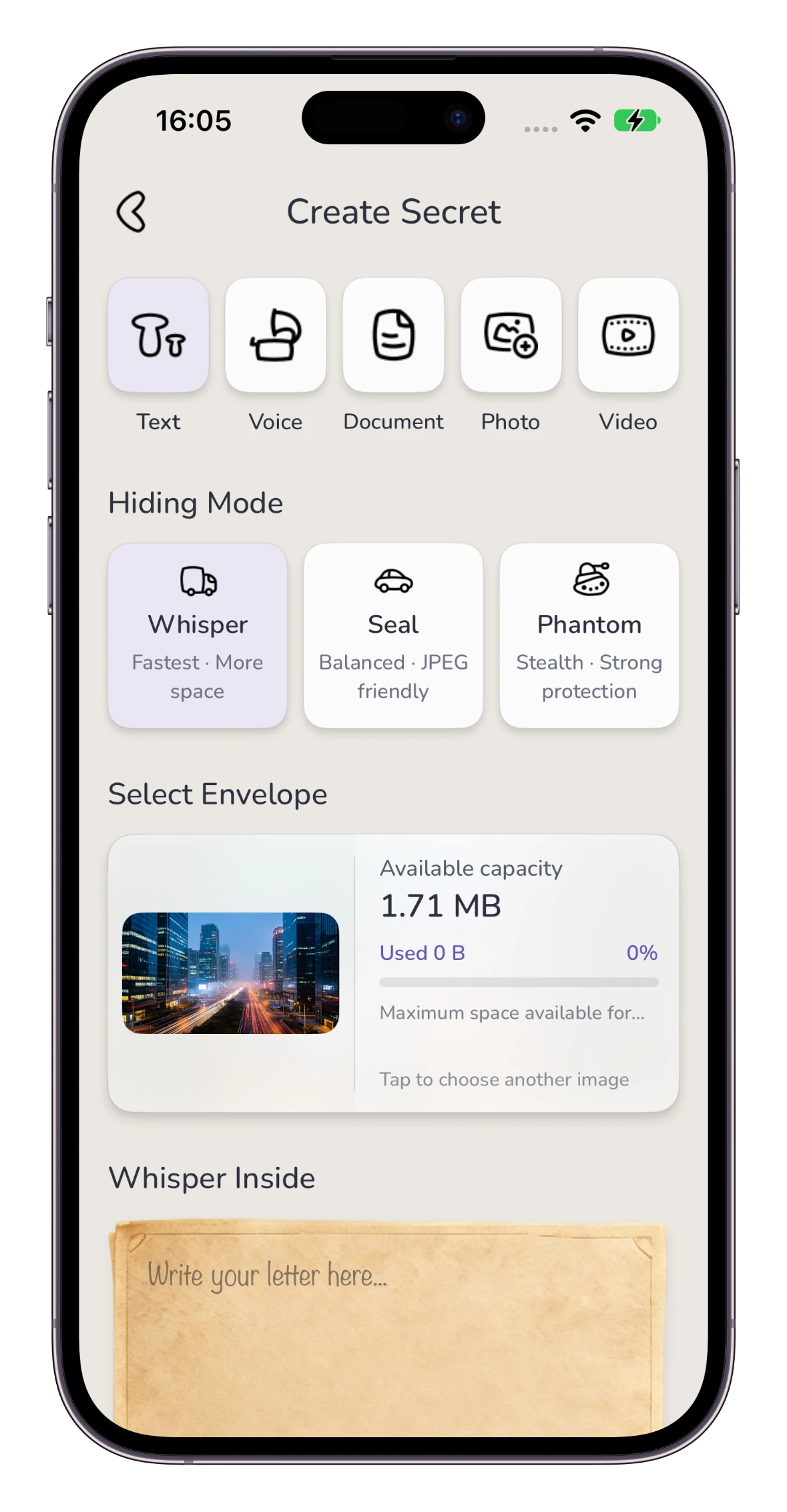
Write, record or choose a file. Hidden Letter encrypts it inside a cover image, ready for someone to unlock.
Write a note or a personal letter, then tuck it into a cover image. Your words appear when the letter is unlocked.
Record a message or choose an audio file. Let someone hear a familiar voice after they unlock the picture.
Choose a document and hide it inside a cover image. The original file can be revealed after unlocking.
Choose a private photo and a separate cover image. Share one picture with another waiting inside.
Choose a video, preview it and hide it in a cover image. Reveal and play it after unlocking.
Capacity depends on the cover image and hiding mode.
Speed and more space

Balanced and JPEG-friendly

Stealth and strong protection
02 / CONTROL HOW IT OPENS
Set the conditions when creating your letter. The recipient needs to meet them to reveal the hidden content.
Protect the letter with a password. Add an optional clue to help the right person remember it.
For someone who knows the secret.Choose a future date and time. Keep the content locked until the moment you have selected.
For birthdays, anniversaries or later.Choose a place and an unlock radius. The recipient needs to reach that area before opening it.
For a destination worth going to.Pair the original secret image with its unlock QR code. The letter's password, time and location conditions still apply.
When enabled, use device authentication on your own device. Time and location requirements still apply.
03 / KEEP & DISCOVER
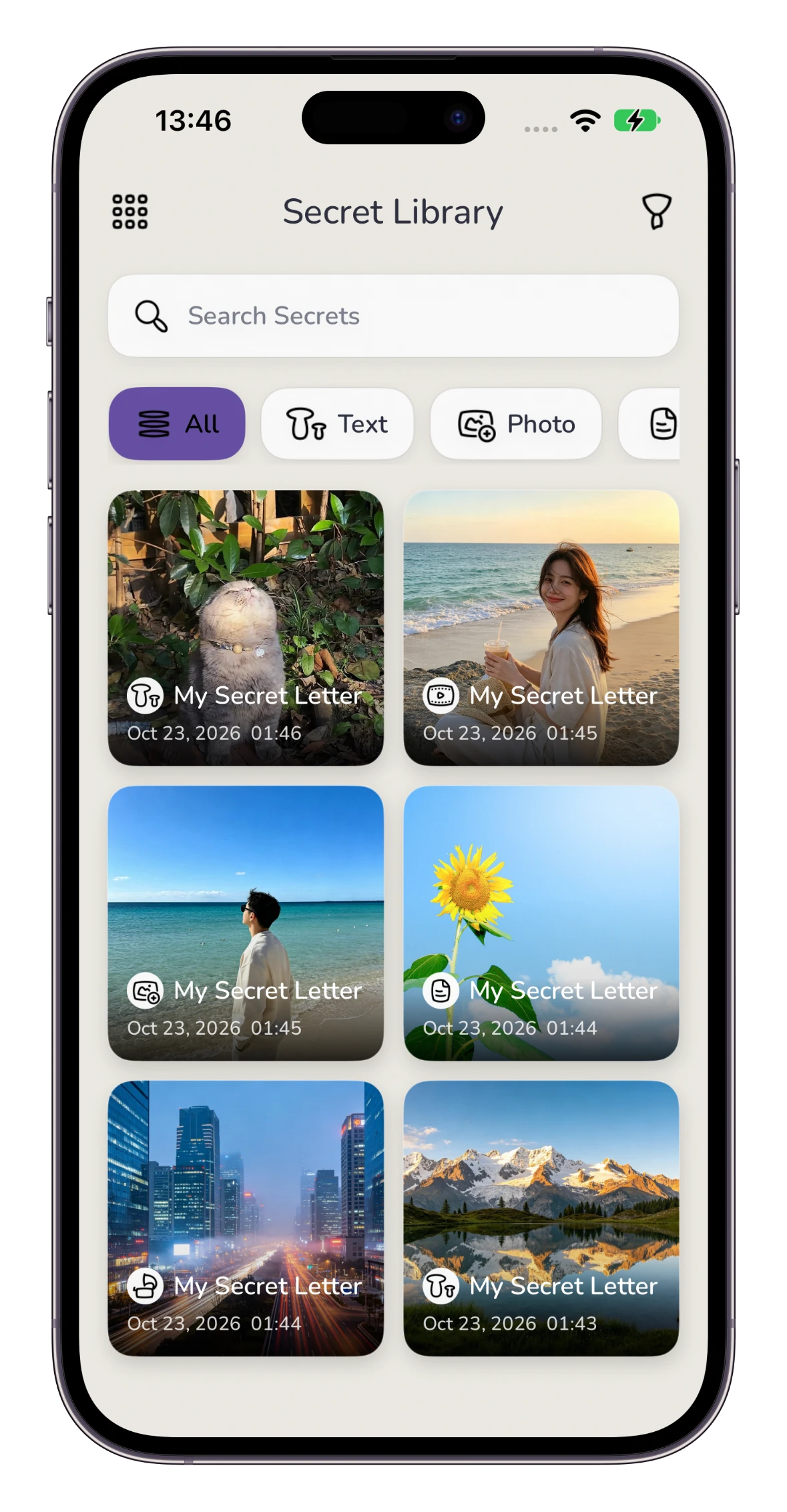
Two different ways to explore Hidden Letter: your own collection, and secrets connected to real places.
A dedicated home for letters you create and import.
Search by title or content type.
Browse by format or by created and imported letters.
Long-press a letter to access sharing and deletion.
Leave an encrypted secret where you are. Explore what is nearby.
Create a secret point with a password and an unlock range.
Find the five nearest secrets and unlock them with the right password.
Review and remove your published secret points.
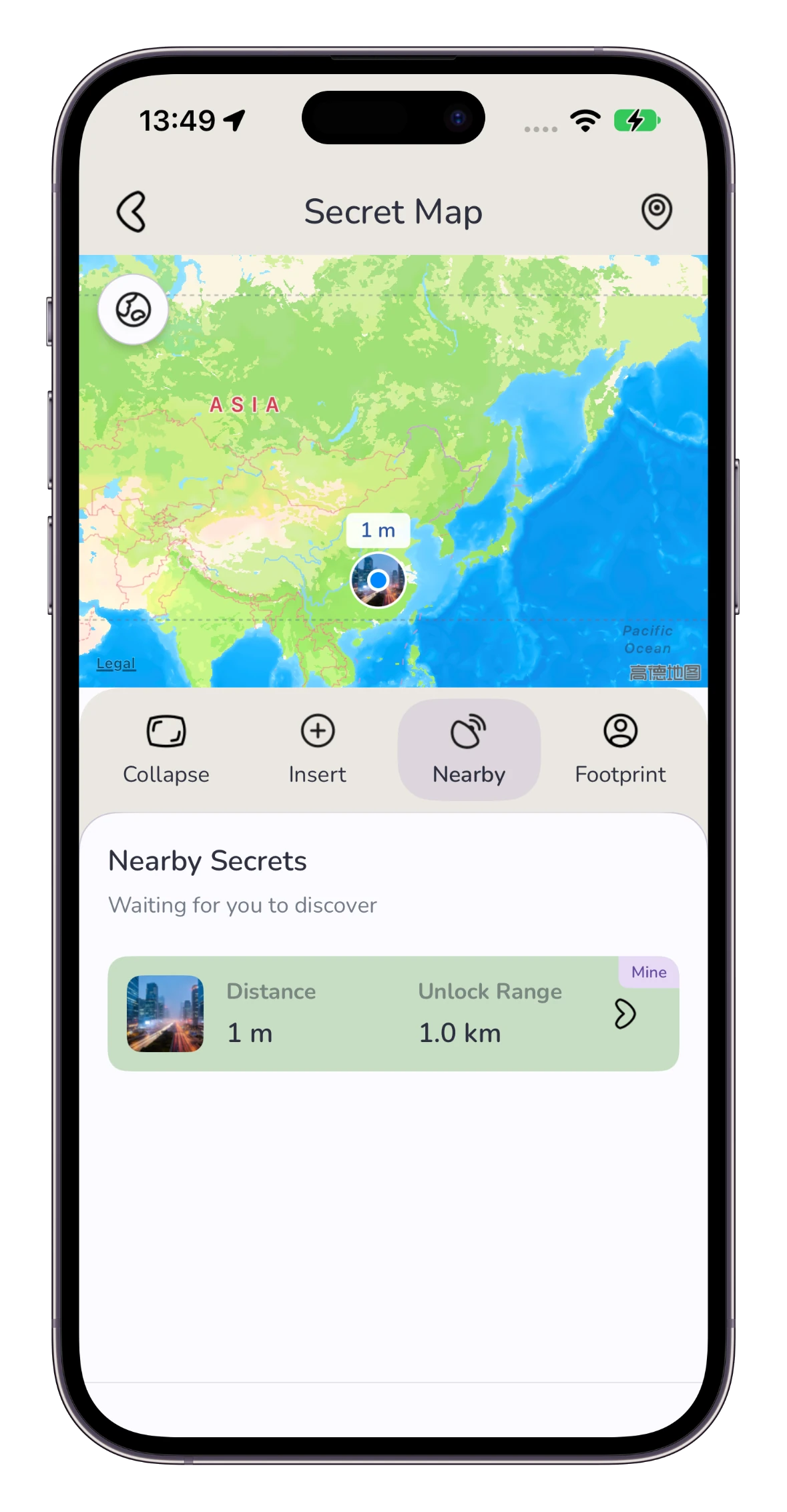
Secret Map uses an internet connection and location access.
04 / FROM YOU TO THEM
From your first idea to the moment it is revealed, the process stays simple.
Pick a cover image and add one of the five supported content types.
Select a hiding mode and add the unlock conditions that suit your letter.
Share the secret image and its unlock QR code. The recipient opens them in Hidden Letter.
Keep the original intact. Screenshots, editing and compression can damage the hidden content. Share the original file and keep a backup of anything important.
HIDDEN LETTER FOR IPHONE
Five content types. Personal unlock rules. A whole new way to share.

Hidden Letter is a product by APPIFUN.
For support, questions or suggestions, get in touch with us.